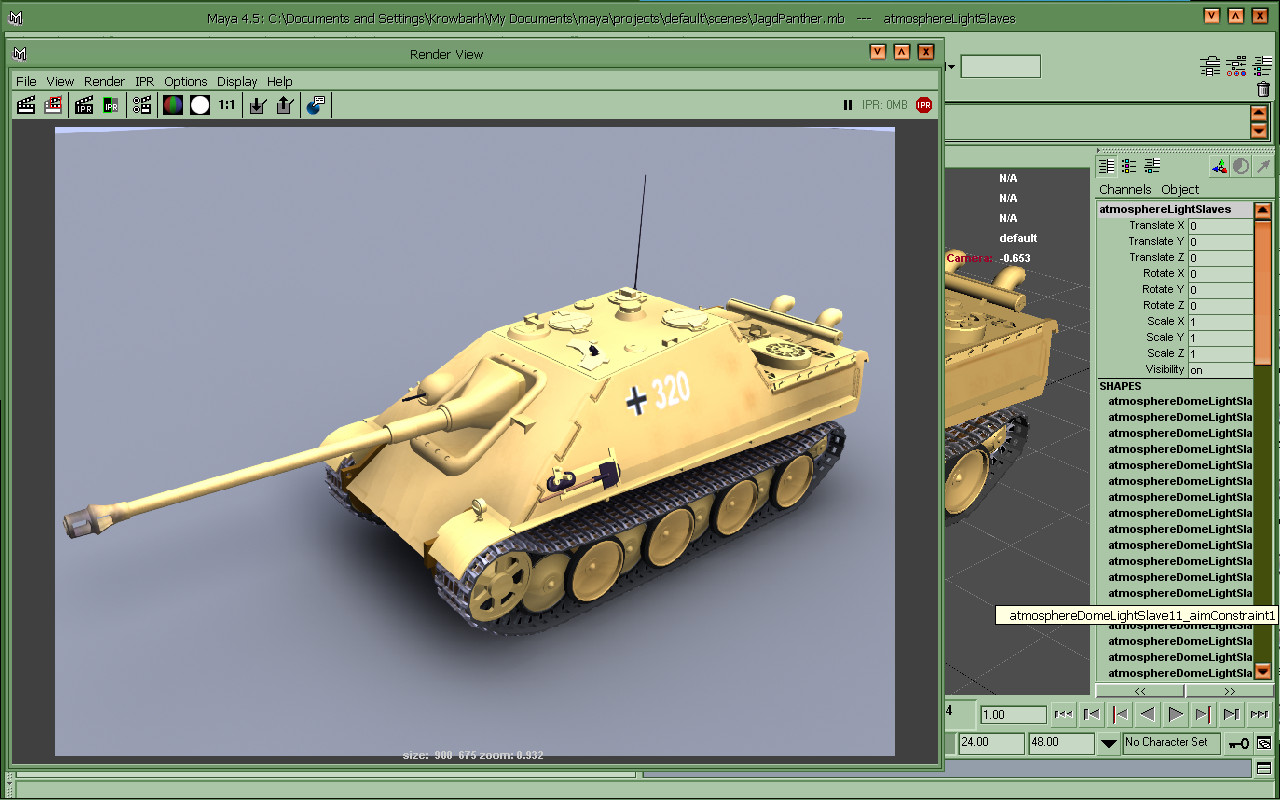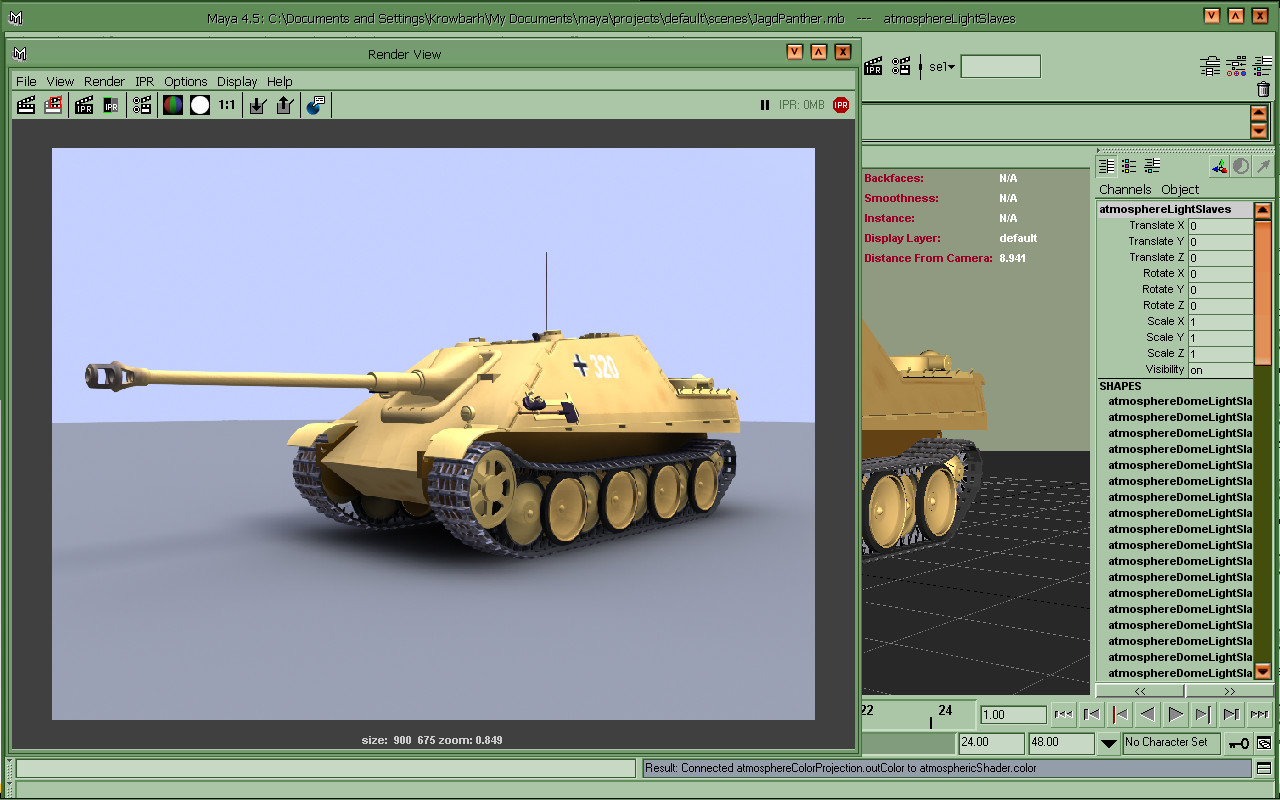

A very capable powerhouse with a few weird issues... One being the high price tag back then-


The other was that at that price there was no actual 'Symmetry' feature... There were some workarounds like just modeling half the model then mirroring over for an occasional look the finalizing when finished... Or you could instance parts which will model right along with you until you are forced to combine them... Having a brain about planning the model helps in that regard...


What's nice with Maya is the MEL scripting which leaves 3ds Max's MSscript in the dust as far as power... Scripts in Maya are like plugins in Max, It's also nice not to have those ungodly thin MCP panels like in Max... Also many sectors to Maya, I really like PaintFX as you can paint in 3D space or on a canvas or on a texture on the model, friggin' paint hair!....
I like 4.5 as it's right before mental ray was injected so quite stable & the maya software render is quite nice but at any rate I also got VirtuaLight render engine which is GI... Also 4.5 is first for smooth proxy...
Grab a brochure-
https://web.archive.org/web/2003070...t.com/en/products/maya/pdf/Maya45Brochure.pdf
There are but a few issues... If you got OpenGL 2.X the PaintFX canvas may have to update manually & for any machine using the scrollwheel in the viewport is a NO-NO which will offset where the cursor is to where the actual action is... But you still need MMB & ALT for screen pan function...
clayDough MEL script mimics Mirai's sculpting function, coolest script ever-

connectPolyShape very powerful smooth proxy workflow plug/script...

Anyways one can get 4.5 here, someone gave a tut on the cracking procedure in reviews... The only problem you might have is the machine code you get in the utility might be one of 2 or 3 but it's usually the first 12digit code....
There was some other issue I think maybe it was the INF file wasn't pointing to the maya installer, open in notepad & correct this & save-
https://archive.org/details/maya45
Got a maya book in the mail today was lucky to find at a great deal on a new old stock this ain't the case on obsolete software books on ebay anymore they are going up in price like crazy...
Some were doin' real good work even before Maya 4 shoot Steven Stahlberg was hittin' it even before it was Maya... Here's a head he did in Alias PowerAnimator back in 1995-

Later on>>>


The other was that at that price there was no actual 'Symmetry' feature... There were some workarounds like just modeling half the model then mirroring over for an occasional look the finalizing when finished... Or you could instance parts which will model right along with you until you are forced to combine them... Having a brain about planning the model helps in that regard...
What's nice with Maya is the MEL scripting which leaves 3ds Max's MSscript in the dust as far as power... Scripts in Maya are like plugins in Max, It's also nice not to have those ungodly thin MCP panels like in Max... Also many sectors to Maya, I really like PaintFX as you can paint in 3D space or on a canvas or on a texture on the model, friggin' paint hair!....
I like 4.5 as it's right before mental ray was injected so quite stable & the maya software render is quite nice but at any rate I also got VirtuaLight render engine which is GI... Also 4.5 is first for smooth proxy...
Grab a brochure-
https://web.archive.org/web/2003070...t.com/en/products/maya/pdf/Maya45Brochure.pdf
There are but a few issues... If you got OpenGL 2.X the PaintFX canvas may have to update manually & for any machine using the scrollwheel in the viewport is a NO-NO which will offset where the cursor is to where the actual action is... But you still need MMB & ALT for screen pan function...
clayDough MEL script mimics Mirai's sculpting function, coolest script ever-
connectPolyShape very powerful smooth proxy workflow plug/script...
Anyways one can get 4.5 here, someone gave a tut on the cracking procedure in reviews... The only problem you might have is the machine code you get in the utility might be one of 2 or 3 but it's usually the first 12digit code....
There was some other issue I think maybe it was the INF file wasn't pointing to the maya installer, open in notepad & correct this & save-
https://archive.org/details/maya45
Got a maya book in the mail today was lucky to find at a great deal on a new old stock this ain't the case on obsolete software books on ebay anymore they are going up in price like crazy...
Some were doin' real good work even before Maya 4 shoot Steven Stahlberg was hittin' it even before it was Maya... Here's a head he did in Alias PowerAnimator back in 1995-
Later on>>>